Sep 3
2026
Social Share buttons added to Featured Build pages
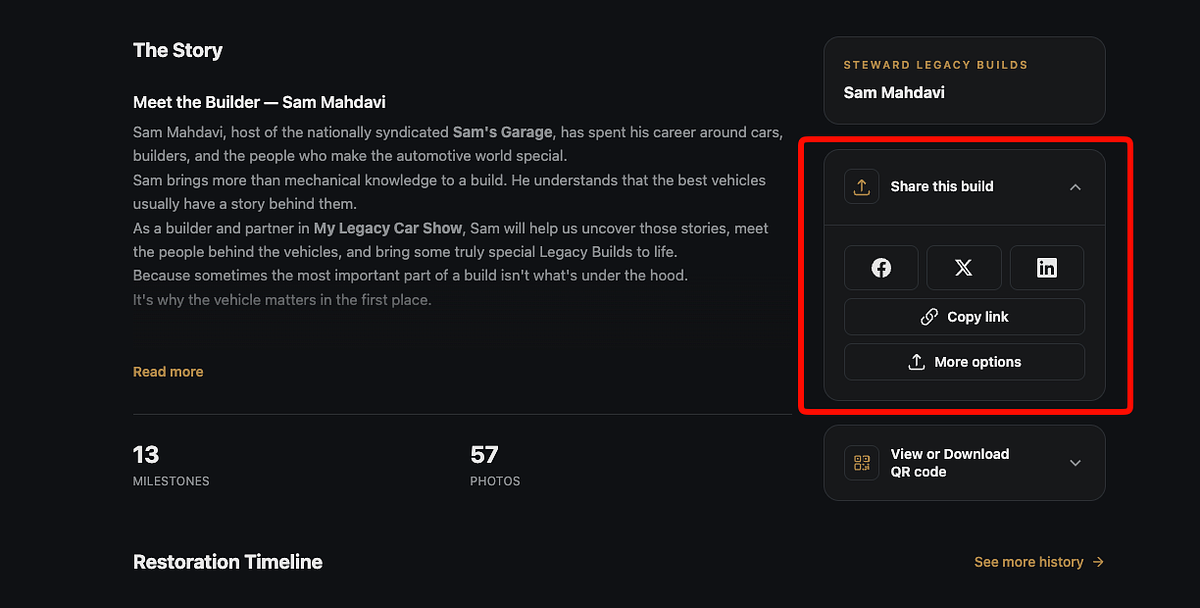
Featured Build pages now have a share button area where Facebook, X, LinkedIn and other common share options are available.
New features and improvements to My Steward Registry
Have an idea for the site? Let us knowFeatured Build pages now have a share button area where Facebook, X, LinkedIn and other common share options are available.
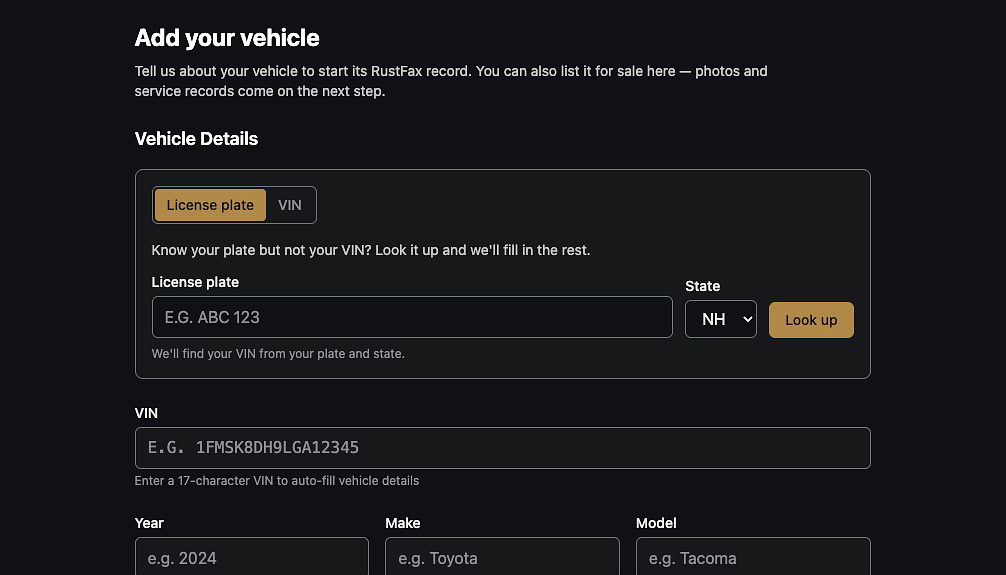
License plate lookup is now available, instead of VIN, when adding a new vehicle. Lookup will return VIN, Year, Make, and Model for most vehicles. VIN entry is still a viable alternative.
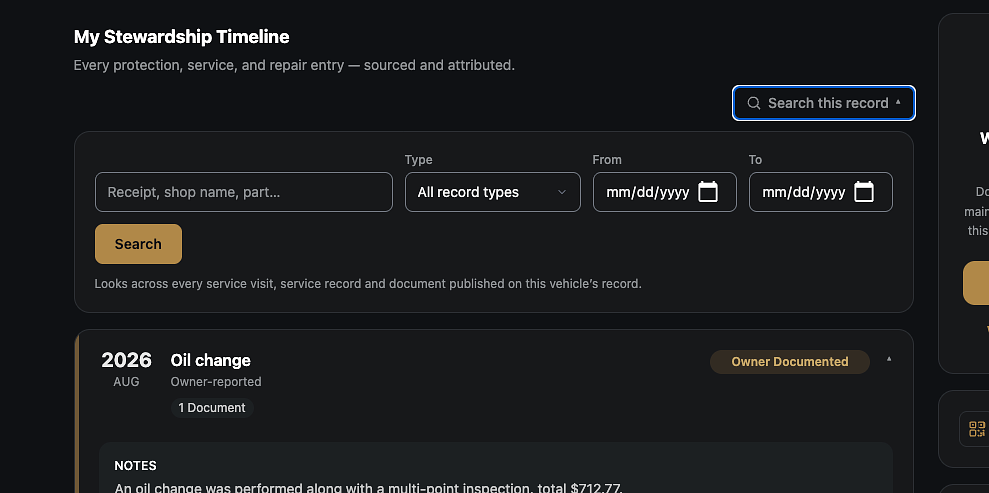
Users can now search inside of a vehicle record. This should help quickly find, for example, the last oil change or rust prevention service the vehicle had. Search can be done on keyword or date range.
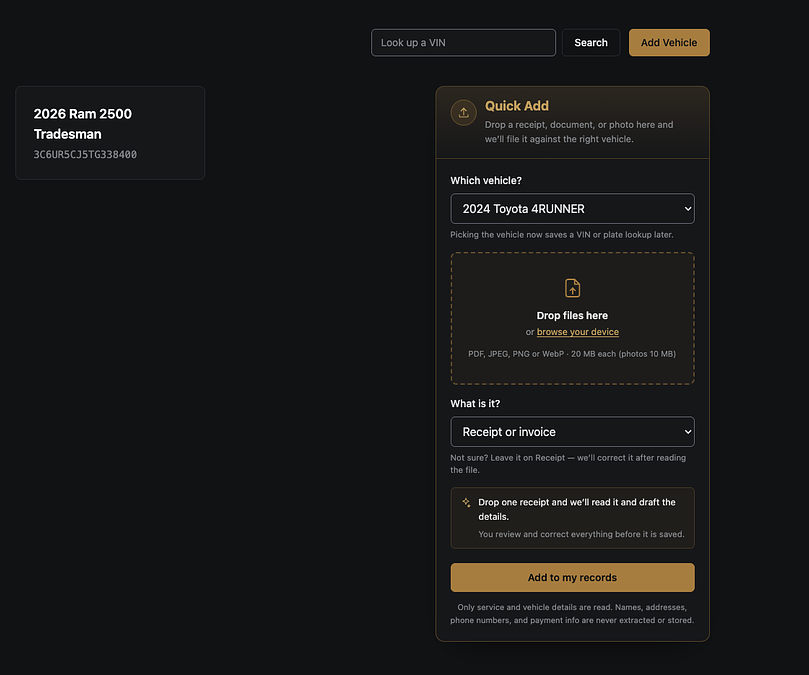
A quick-add feature has been added to the garage and vehicle record pages to allow drag-and-drop document uploading for all users. This feature was created to help users document records on the go. Select a vehicle, drop the files in, and hit save!
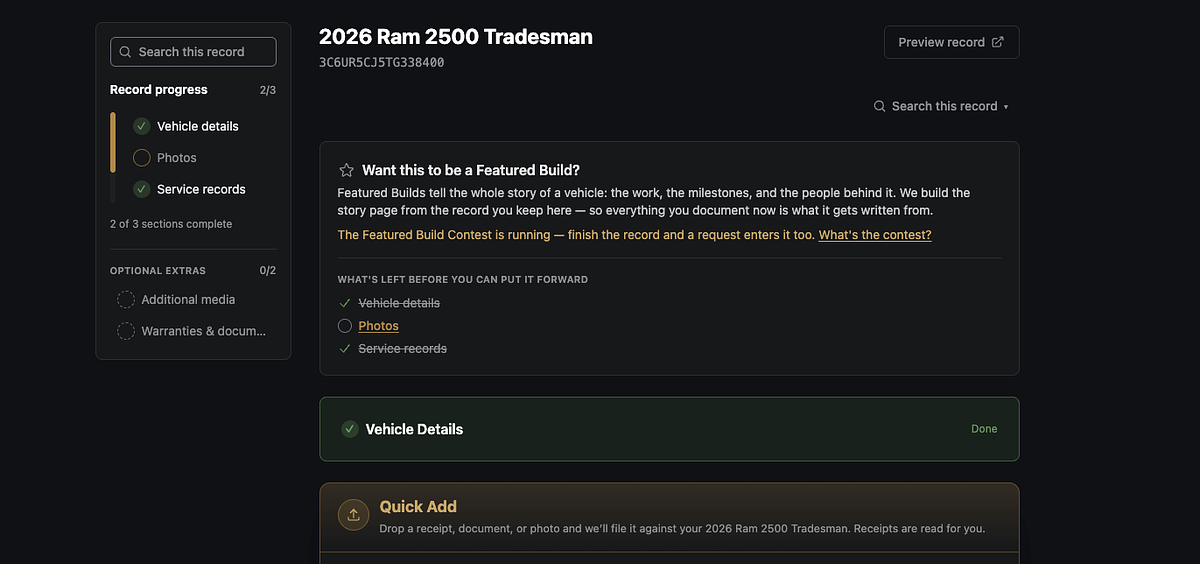
Users can now submit their vehicles to be featured in the Featured Build section of the website. Any completed vehicle record now has the option to submit to be featured.
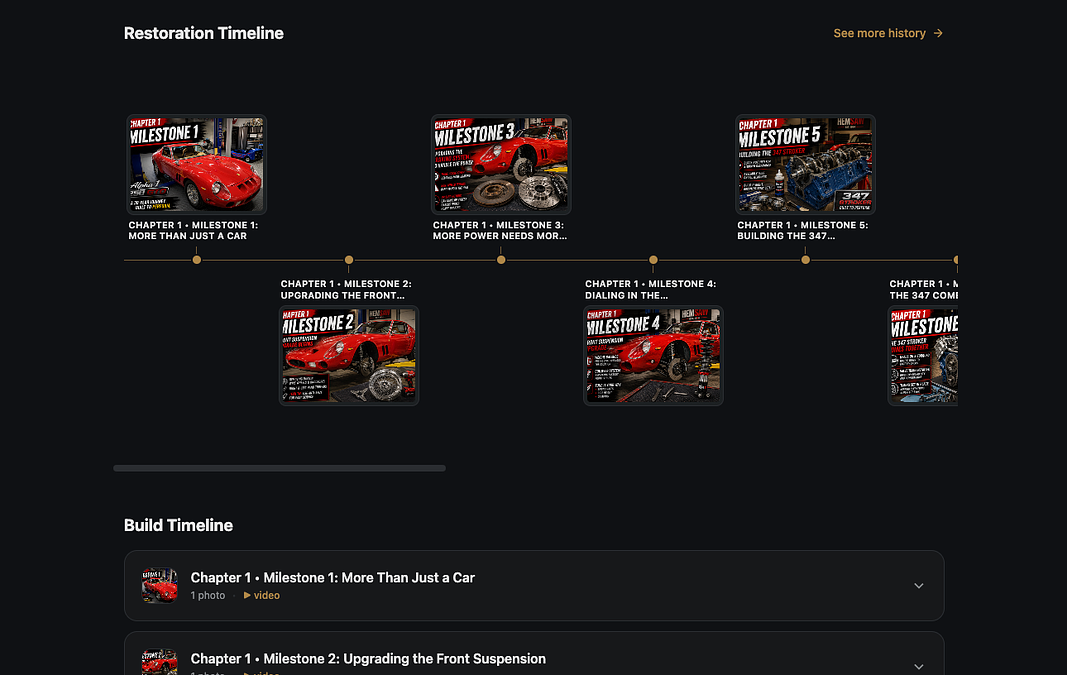
Featured Build pages now have a visual, clickable timeline.
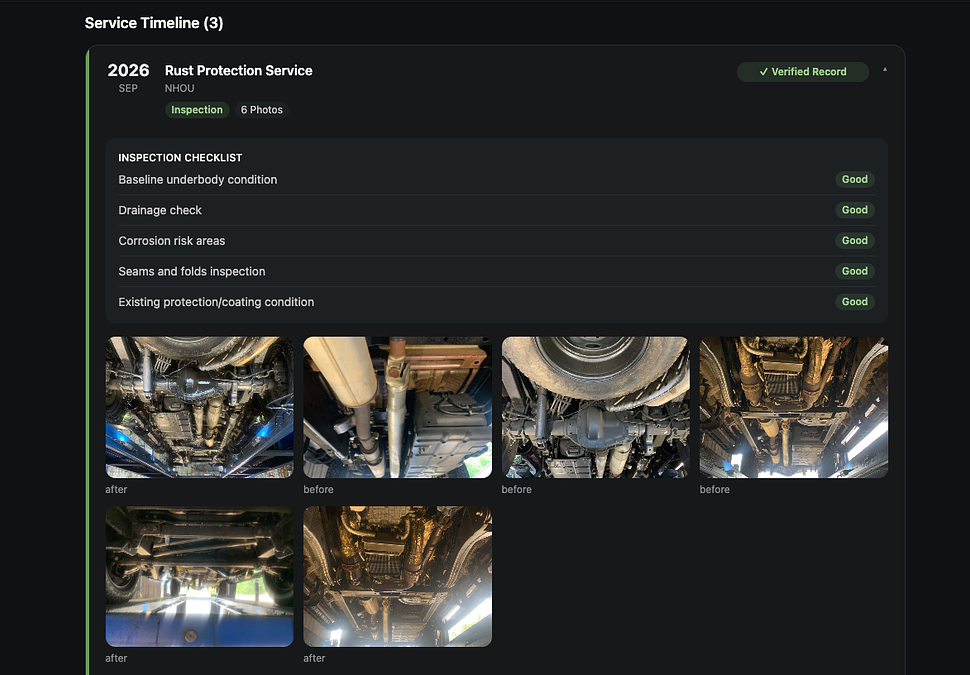
NHOU shops provide an additional layer of documentation automatically in our system! If you visit an NHOU shop, any inspection photos or videos will now be added to the vehicle record timeline automatically.
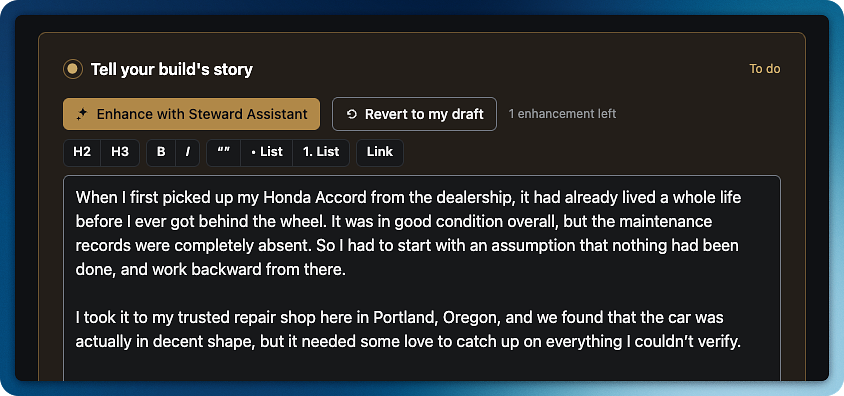
Steward Assistant evaluates your writing and turns it into a story! It constructs a narrative focus, breaks down story points, and adds a special touch to the history you already provided. This feature is available for Featured Build stories.
 ▶ Demo
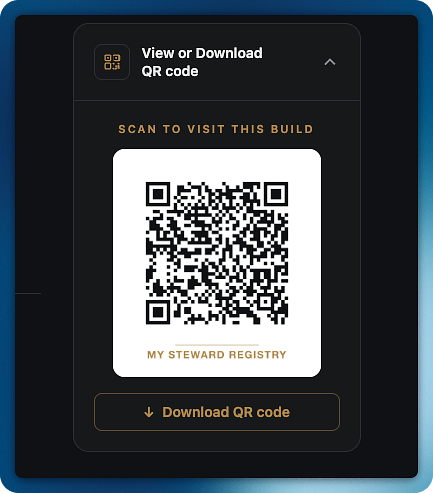
A unique QR code is now generated for every vehicle for both vehicle listing pages and featured build pages. This was a feature request to help users market or share their vehicles. QR codes are available for display or download.
 ▶ Demo
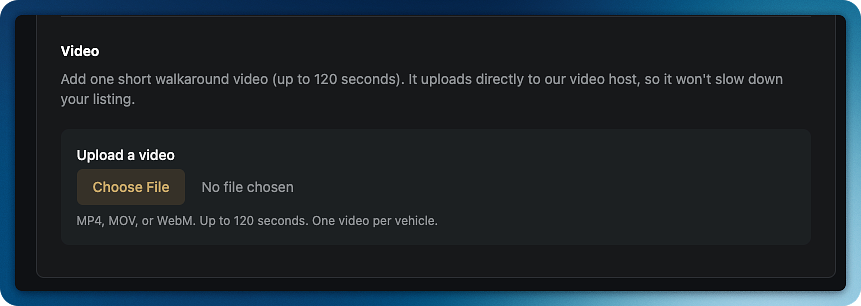
Added the ability for users to upload videos directly to service records or in the featured build section of the site.
 ▶ Demo
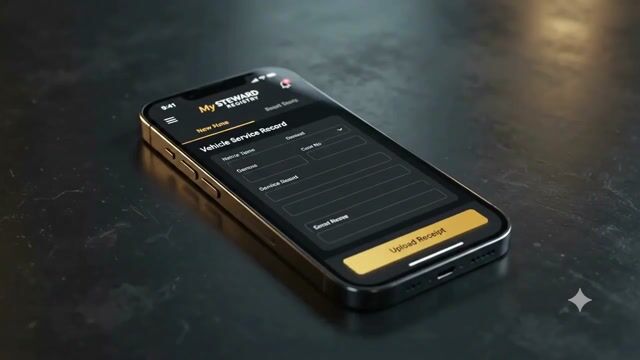
New AI Receipt Reading: Upload a receipt when creating a service record and watch as key details are automatically filled in — service type, date, mileage, work performed, and warranty status.
 ▶ Demo
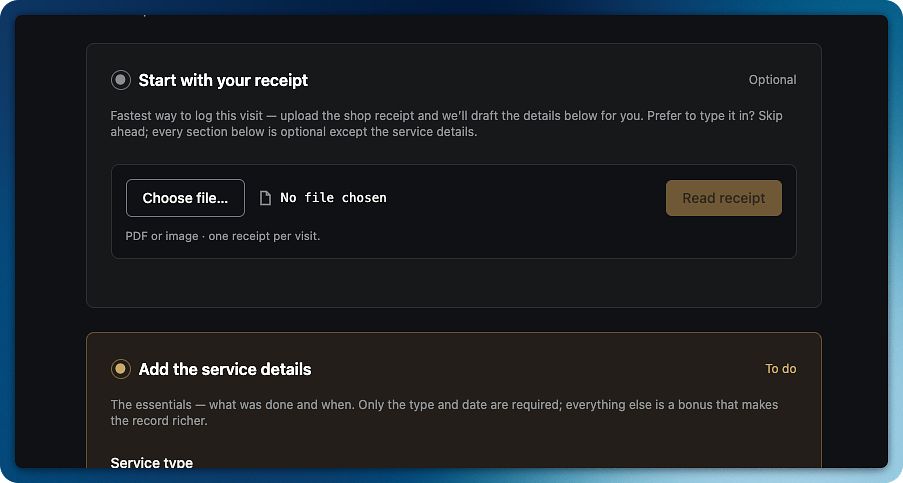
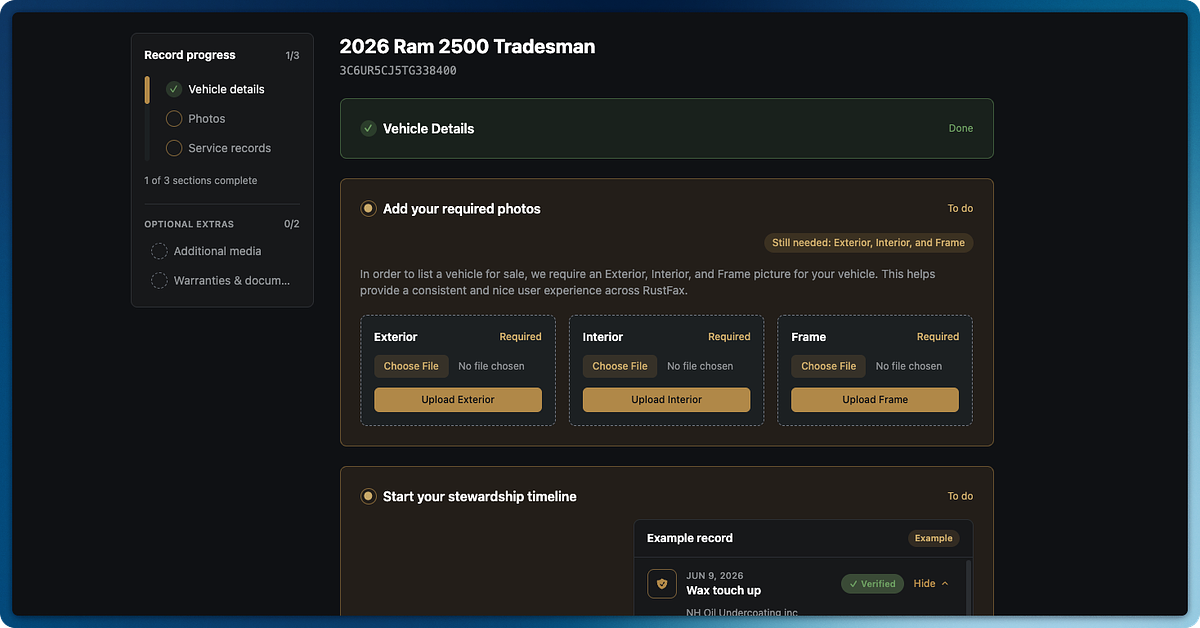
We found that most users were missing context on how to add new vehicle records - a key part to the experience. So we reworked this feature to be a clean step-by-step onboarding flow that introduces key site concepts. Try it out!
 ▶ Demo