Legacy Builds
Preserve the story behind the build
Restorations, custom builds, and the people who made them possible — documented as a lasting story, milestone by milestone.
Browse builds
Enhanced Story Building
Your story, told at its best
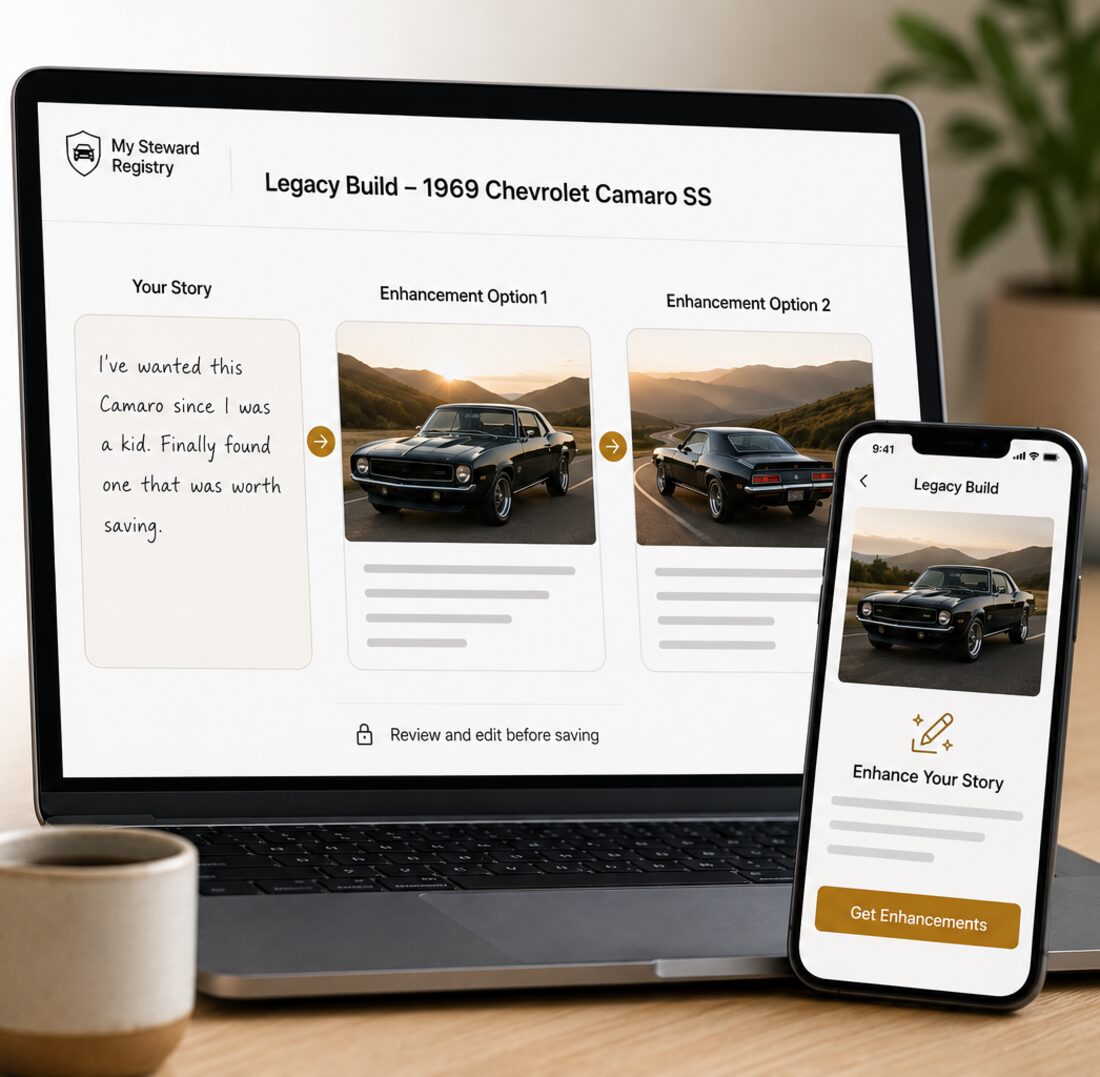
Most people know their build inside out and still freeze at a blank text box. Write it however it comes out, and the Steward Assistant helps shape it into something worth reading.
- Put the story down in your own words. The assistant tightens the writing without flattening your voice.
- It only ever rewrites what you entered. It will not invent history that wasn't there or embellish what the build actually went through.
- Two enhancements per build, and the result comes back for you to review and edit before anything is saved.
Detailed Project Milestones
A build is a sequence, not a single photo
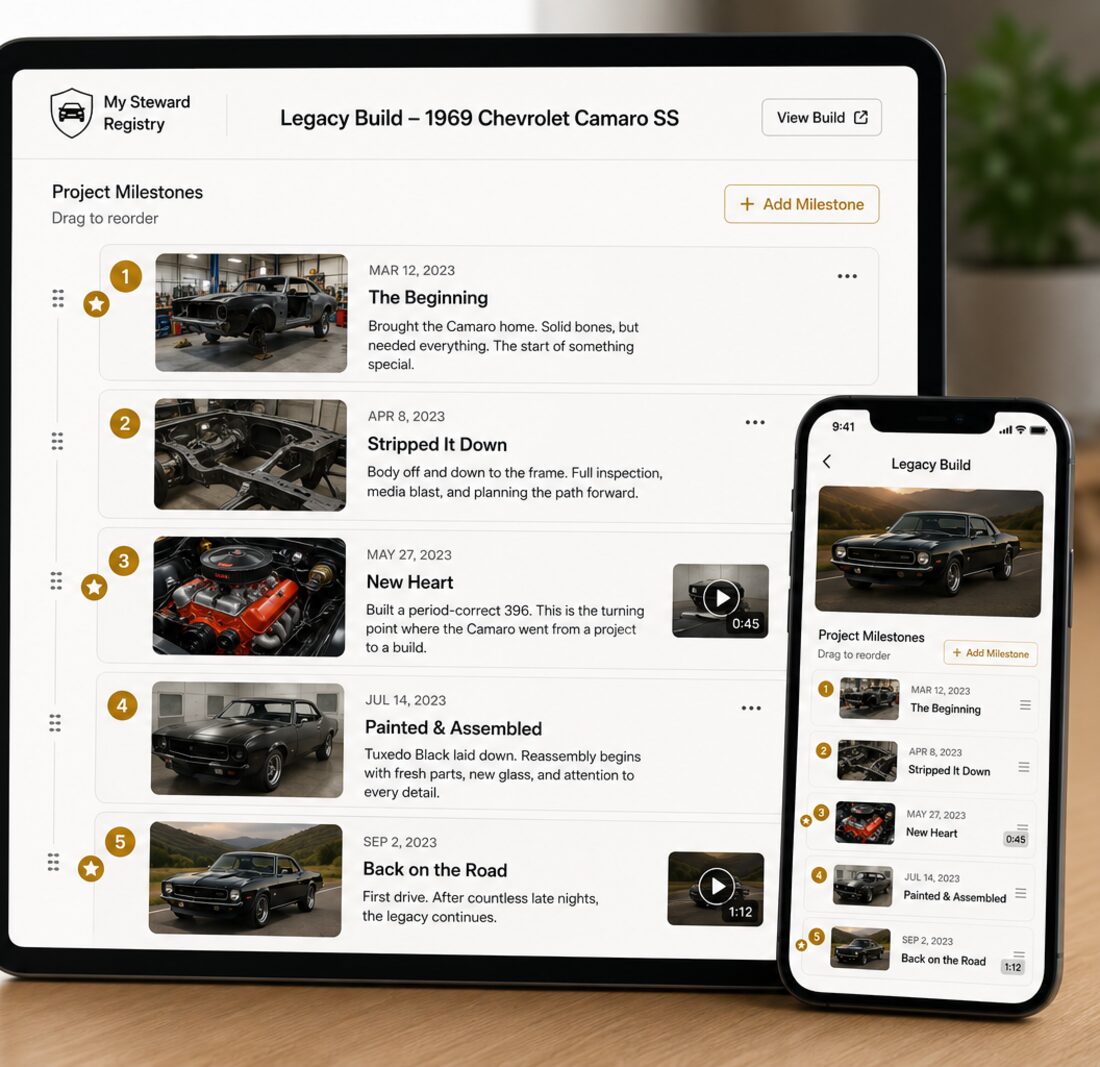
Break the work into the moments that actually mattered, each with its own headline, date, and the story of what happened — so the build reads as a progression instead of a finished-product shot.
- Give every milestone a headline, a date, and room to explain what changed and why.
- Flag the turning points as key moments, so the big steps stand out from steady progress.
- Add photos and video to a milestone, and drag the sequence into the order that tells it best.
Builder Profiles
The work belongs to somebody
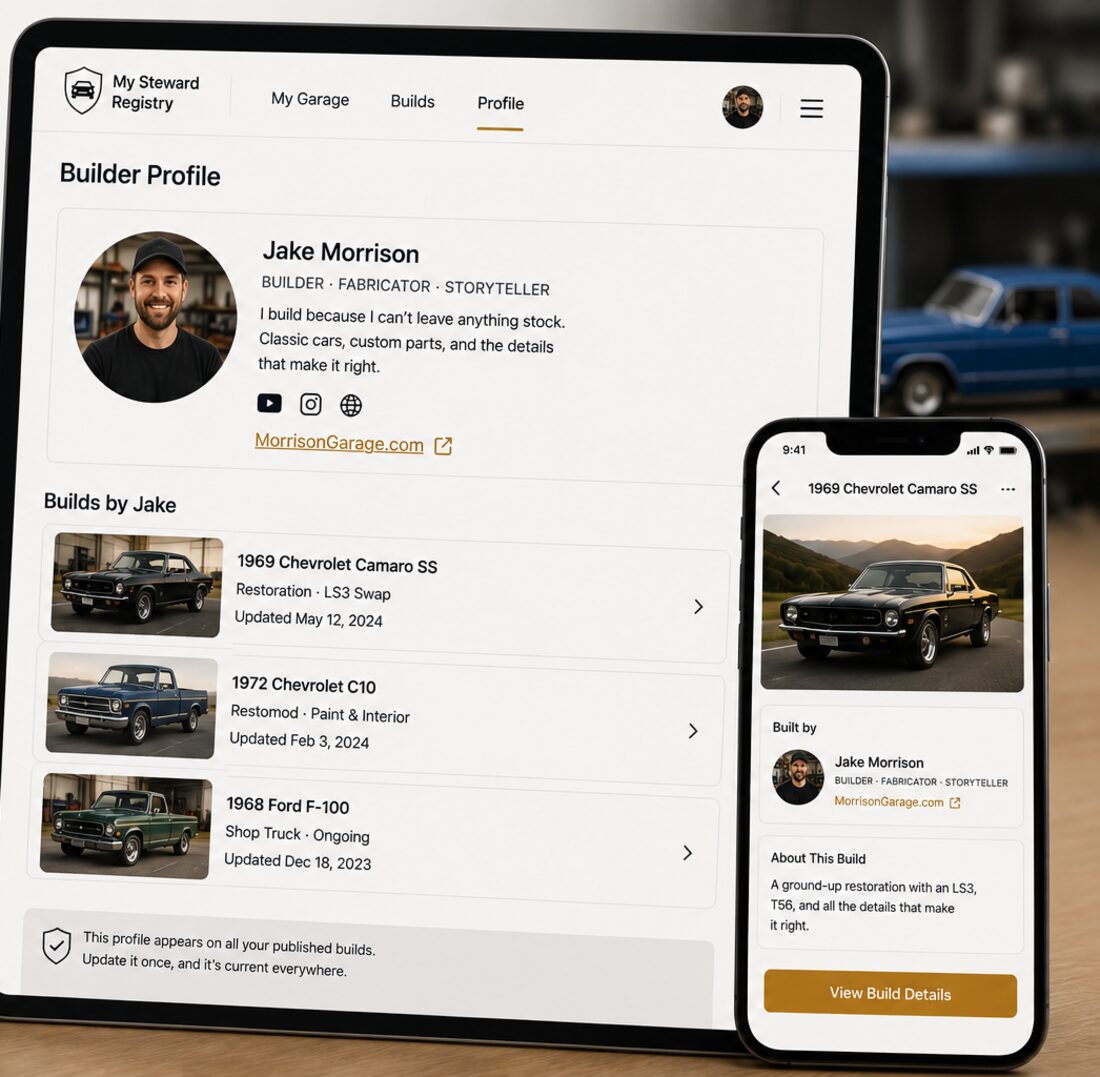
A build is the product of a person's time, judgment, and stubbornness. Your profile puts a name to it, on every build you publish.
- Add a display name, a short bio, and a link — your shop, your channel, wherever people should find you.
- It appears alongside every build you publish, so the work is credited rather than anonymous.
- One profile carries across all your builds. Update it once and it's current everywhere.
Unique Project QR Codes
Bring the whole story to the show
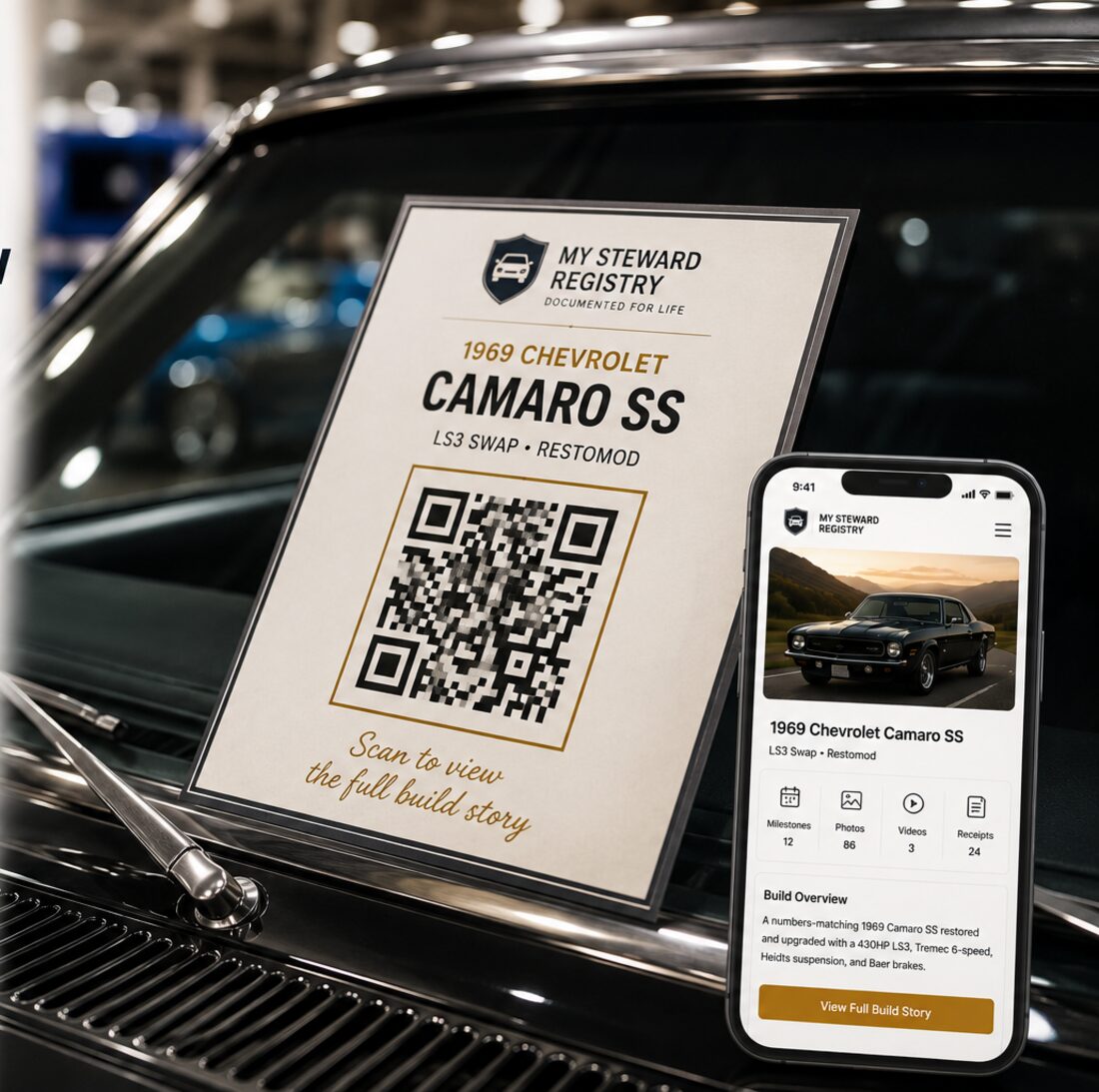
A placard on the windshield has room for a few lines. A QR code has room for everything — every milestone, every photo, the full history behind what people are looking at.
- Every published build gets its own branded code pointing at its public page.
- Download it as an image for a show board, a window card, or a printed spec sheet.
- Someone scans it and lands on the complete documented build, instead of hearing you retell it for the twentieth time that afternoon.